
Last updated 2 October 2026
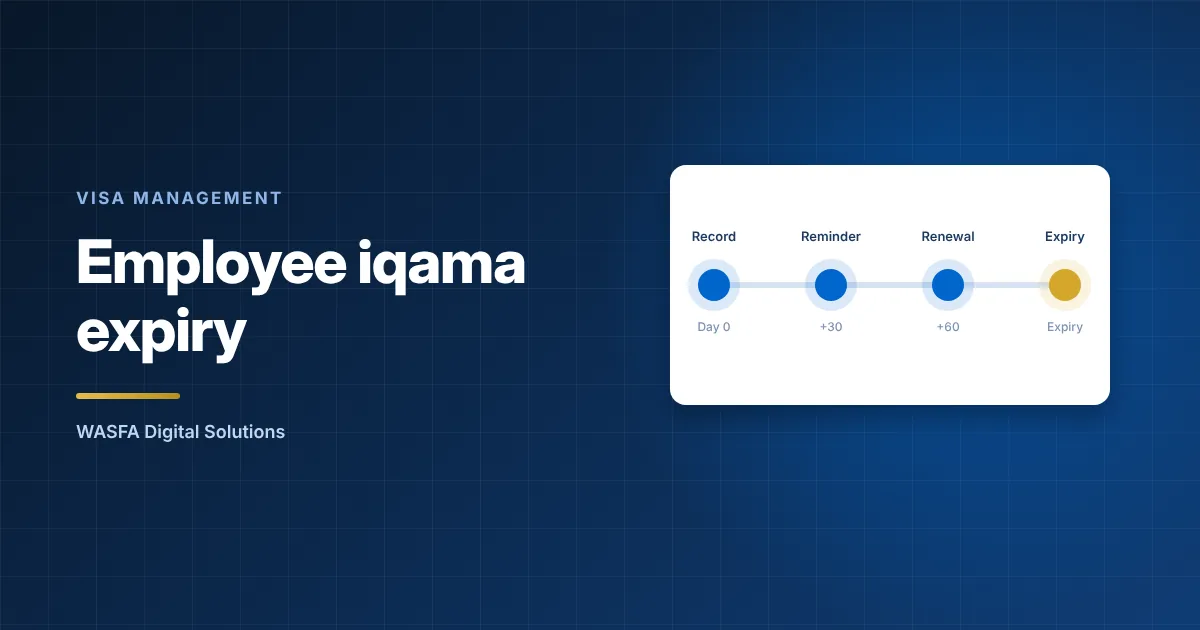
To track employee iqama expiry without spreadsheets, keep one central record per employee. It should hold the iqama expiry date and every document the renewal depends on, give each renewal a named owner, and send alerts in stages well before the date. Use Absher Business or Muqeem to confirm the status and complete the renewal, and treat your own record as the early-warning layer around them.
Disclosure: WASNA Digital Solutions implements Infinigent DIM, a digital Iqama management product. This guide does not rank vendors, and everything below applies to any tool, including the one we implement.
Why employee iqama expiry is only one of several dates
The iqama is the residence permit and resident identity that an employer issues and renews for each expatriate employee through Absher Business or Muqeem. The renewal depends on other records being in order. Absher Business lists the conditions as payment for the renewal period, a valid passport, no unpaid traffic violations, fingerprints and photos on file, active medical insurance and a valid work permit (Absher Business service guide). If one of those has lapsed, the renewal stalls. A tracker that holds only the iqama date warns you too late.
Letting an employee iqama expiry date pass without a renewal has a price. Jawazat, the General Directorate of Passports, has announced escalating penalties for late renewal. These are SAR 500 for a first violation, SAR 1,000 for a second and deportation of the worker for a third (Saudi Gazette, 2019). Its notices refer to a three-day limit, and reports differ on whether that counts before or after expiry. HRSD’s guidance on Article 40 of the Labour Law lists fines resulting from delay among the costs the employer bears (HRSD).
This is general information, not legal advice. Confirm the current rules with a qualified adviser or with Jawazat and HRSD.
Five signs your employee iqama expiry spreadsheet has stopped working
- Each entity, branch or PRO officer keeps a separate file, and nobody can list every employee iqama expiry falling this quarter without merging them by hand.
- Dates are typed in from the Absher Business or Muqeem screen, so one typing error survives until the day it matters.
- Passport, insurance and work permit dates sit in other files, and the clash with the iqama date is found at submission.
- Renewals depend on one or two people. When they are on leave, the sheet goes stale and reminders stop.
- Nobody can say what the last renewal cost or who approved it.
What each employee record needs to hold
How to track employee iqama expiry comes down to the fields you hold. Treat the iqama as the date that triggers work, and give every dependency its own field and its own alert.
| Field | Why it is there | Where to confirm it |
|---|---|---|
| Iqama number and expiry date | The date that every other alert hangs from | Absher Business or Muqeem |
| Renewal period last chosen | Renewal can be bought for 3, 6, 9 or 12 months, so a one-year cycle cannot be assumed. | Absher Business or Muqeem (Saudi Gazette, 2021) |
| Passport number and expiry | Renewal needs a valid passport, and an exit and re-entry visa needs a passport valid for at least 90 days | Employee file, then Absher Business |
| Work permit status and any unpaid balance | Renewal needs a valid work permit, and HRSD requires arrears to be settled before a licence is renewed (HRSD rules) | Qiwa |
| Medical insurance policy and end date | Renewal needs active insurance, and employers must insure their employees, including during probation (CHI) | Insurer |
| Unpaid traffic violations | Renewal needs none outstanding | Absher Business |
| Employer entity | Work permit charges are calculated per establishment, so the entity affects what you pay | Qiwa |
| Case owner and approver | An alert with no named person goes nowhere | Internal |
| Last renewal date, cost and receipt | Evidence for audit, and the start of a cost record per employee (see where visa costs hide) | Internal |
Decide early whether dependants are in scope. The Council of Health Insurance treats the sponsoring employee as responsible for insuring family members who live in the Kingdom (CHI FAQ), so decide whether HR tracks dependants’ documents or leaves them to the employee.
Alerts that work for employee iqama expiry
Iqama expiry tracking should alert on every dependency, not only the iqama. A passport that expires in six weeks is a renewal problem today.
Send each alert to a named person with a deadline, and escalate when the status has not changed. A shared mailbox is the same as having no owner.
Set the first employee iqama expiry alert earlier than your slowest prerequisite takes to fix, and measure that from your own cases rather than assuming it. The steps of the renewal itself are laid out in the iqama renewal checklist for HR and PRO teams.
Do not plan around the grace period. A margin of three days is too short to fix a missing prerequisite, and its exact wording is still open (see the note above).
Where the government platforms fit
Absher Business, the Ministry of Interior’s platform for establishments, and Muqeem are where employers issue and renew iqamas and read each worker’s status (Muqeem). Qiwa, run by HRSD, is where work permits are issued and renewed (HRSD service page). A tracker for employee iqama expiry sits beside these. It does not replace them.
Absher Business also offers a Muqeem Print Request, which extracts basic worker information for printing. The service guide says the report is not an official proof of residence status and is valid for 30 days. That makes it a reconciliation source for checking your tracker against the platform, and not evidence for anyone else.
Moving off the spreadsheet in four steps
- Reconcile first. Compare every employee iqama expiry date in your sheet with what Absher Business or Muqeem shows, and correct the sheet. A new system will otherwise inherit the old errors.
- Fix the fields and the owners. Start from the table above, then name who may edit each field and who receives each alert.
- Load, then clean. Expect the clean-up of old dates and missing documents to take longer than the load itself.
- Run both for one alert cycle. Keep the sheet read-only beside the new record until the first round of employee iqama expiry alerts has reached owners and the renewals they triggered have closed.
What to ask before you choose software
Iqama tracking software and the wider category of document expiry tracking software both hold dates and send alerts. Check whether a tool also keeps the case itself, meaning the documents, approvals and cost of each renewal, because an alert alone does not show whether anyone acted. Tools for this job fall under digital visa management software, which keeps one record per employee with documents, case history and expiry dates. It organises the work around the government platforms. The transactions themselves are still completed by authorised users on Absher Business, Muqeem and Qiwa.
- Which Saudi transactions and platforms does it support today, and which are only planned? Software built for another country may follow other portals.
- Which documents does it track besides employee iqama expiry, and how far ahead can alerts be set for each one?
- Can you see who requested, approved and completed every step?
- Can costs be reported by employee, department and transaction type?
- How do employee details reach it from your HR system, so they are entered once?
- Where is the data hosted, given that it holds personal data of expatriate staff?
Access is normally set by role. PRO and government relations staff, HR operations, approving managers and finance usually need different views.
Check your current tracker against this field list
Tell us how many expatriate employees and entities you manage and how employee iqama expiry dates are tracked today. We will show what a central record would hold for your team.
Review my iqama tracking with WASNASources
- Absher Business Services (service guide), Ministry of Interior, Absher Business. https://www.absher.sa/wps/wcm/connect/business/afd5e859-82e7-440b-b8c5-8894b040d988/book1_Bus-V6_en.pdf?MOD=AJPERES&CONVERT_TO=url&CACHEID=ROOTWORKSPACE.Z18_G11AH2G0LGFID0ARKN3A0Q2826-afd5e859-82e7-440b-b8c5-8894b040d988-nv3gmCN. Accessed 2 October 2026.
- Expats face fines, deportation for failure to renew resident IDs (10 June 2019), Saudi Gazette. https://saudigazette.com.sa/article/568501/SAUDI-ARABIA/Expats-face-fines-deportationfor-failure-to-renew-resident-IDs. Accessed 2 October 2026.
- What are the fees and costs borne by the employer?, HRSD Knowledge Centre. https://www.hrsd.gov.sa/en/knowledge-centre/articles/64434-0. Accessed 2 October 2026.
- Rules for calculating the financial equivalent of work licences (Council of Ministers Resolution 325 of 13/06/1442 AH), HRSD. https://www.hrsd.gov.sa/sites/default/files/2021-11/07032022.pdf. Accessed 2 October 2026.
- Saudi Arabia starts issuing and renewing residency permit quarterly (23 November 2021), Saudi Gazette. https://saudigazette.com.sa/article/613915. Accessed 2 October 2026.
- Issue and Renew Work license, Ministry of Human Resources and Social Development (HRSD). https://www.hrsd.gov.sa/en/ministry-services/services/%D8%A5%D8%B5%D8%AF%D8%A7%D8%B1-%D9%88-%D8%AA%D8%AC%D8%AF%D9%8A%D8%AF-%D8%B1%D8%AE%D8%B5-%D8%A7%D9%84%D8%B9%D9%85%D9%84. Accessed 2 October 2026.
- Employer duties under the rules, Council of Health Insurance (CHI). https://www.chi.gov.sa/en/Insureds/Pages/Duties.aspx. Accessed 2 October 2026.
- Frequently Asked Questions, Council of Health Insurance (CHI). https://www.chi.gov.sa/en/aboutchi/Pages/FAQ.aspx. Accessed 2 October 2026.
- Muqeem portal, Muqeem. https://muqeem.sa/. Accessed 2 October 2026.
- Updated fee for Iqama renewal SR51.75 and reentry visa extension SR103.5 (2 January 2025), Saudi Gazette. https://www.saudigazette.com.sa/article/648316. Accessed 2 October 2026.


