
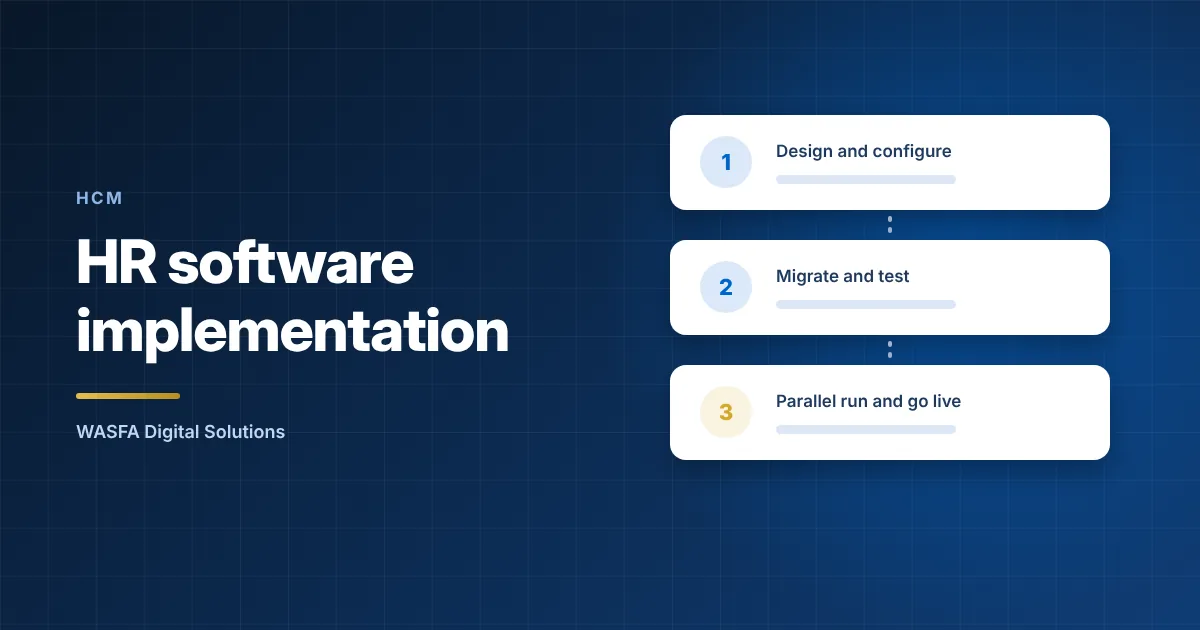
An HR software implementation in Saudi Arabia works best as six gates: agree scope and owners, clean and migrate the data, configure the Saudi rules, test with Saudi scenarios, run payroll in parallel, then cut over after a month-end. Do not retire the old payroll until a full parallel run matches line by line, or every difference has been explained and signed off.
Disclosure: WASNA Digital Solutions implements Infinigent HCM in Saudi Arabia. This HR software implementation checklist applies to any vendor and any implementation partner, including us.
The payroll and social insurance rules quoted below are general information, not legal advice. Confirm them with a qualified adviser, HRSD or GOSI for your own organisation.
Gate 1. Agree scope, owners and the pass mark for the HR software implementation
- Name one owner in HR and one in finance for the HR software implementation, each with authority to sign off a gate.
- List the legal entities and commercial registrations, the employee groups (Saudi, non-Saudi, any contractors) and the modules in the first release. Write down what waits for a later phase. If the boundary with other systems is unclear, start from what an HCM system covers.
- Write the acceptance tests now. A typical set is a parallel run with no unexplained differences, a wage file accepted by your bank, and GOSI amounts that match the registered wages.
- Agree who does what between you, the vendor and any partner, and put your own data tasks on the HR software implementation plan with dates.
Gate 2. Clean and migrate the data
Fix problems in the source records before loading, not after. Any HR software implementation should run at least two trial migrations before the final load, and after each trial reconcile headcount, total basic wage, total allowances and total leave balances to the source. Sign each reconciliation.
| Data item | Check before loading |
|---|---|
| Names and ID numbers | Arabic and English names match the iqama or national ID, no duplicate employees, expired iqamas flagged |
| Contract data | Start date, contract type, probation end date and wage components agree with the signed contract |
| Bank details | Valid IBAN (a Saudi IBAN has 24 characters) and an account holder name that matches the employee |
| GOSI data | GOSI number, registered contributory wage, and whether each Saudi employee falls under the existing or the new social insurance system |
| Leave balances | Opening balance by leave type as at the cut-over date |
| End of service | Opening accrued liability for each employee, calculated on the Law’s rules and agreed with finance |
| Loans and advances | Outstanding balance, instalment amount and the document that supports the deduction |
| Year-to-date payroll | Gross pay, deductions and net pay by month for the current year |
Gate 3. Configure the Saudi rules
Configuration is where an HR software implementation meets Saudi law, so write each rule down with its source and its effective date.
- GOSI by employee group, with effective dates. Saudis under the existing system, Saudis under the new system and non-Saudis follow different rules, and the new-system annuities rate steps up each July until it reaches 11% in 2028. The payroll rules in how payroll works in Saudi Arabia list the current rates.
- Overtime and deductions. Article 107 requires an additional amount for overtime hours equal to the hourly wage plus 50 per cent of basic wage. Articles 92 and 93 restrict deductions and cap them at half the wage due unless the labour court allows more.
- End of service. Articles 84 to 87 of the Labour Law, including the resignation scale and any contractual exclusion of commissions under Article 86.
- Final settlement. Wages and entitlements due within one week of the contract ending, or two weeks if the worker ended it (Article 88), with pay for accrued leave (Article 111).
- Bank file and Mudad. Decide who produces the wage file, who uploads it and by when. The upload window is 30 days from the due date.
- Calendars and language. Decide which calendar each rule uses, Hijri or Gregorian, for contract dates, leave and service thresholds. Check Arabic payslips and right-to-left forms.
- Access and hosting. Separate who can change a salary from who approves payroll, and keep an audit trail. Record where the data is hosted and who processes it, as covered in cloud vs on-premise HR software.
Gate 4. Test with Saudi scenarios
Generic test scripts miss the cases where Saudi payroll differs, which is why an HR software implementation here needs scenarios of its own. Run every row below with your own configuration and compare the results to a hand calculation.
| Scenario | What to confirm |
|---|---|
| Saudi employee under the existing GOSI system | Annuities at 9% each for employer and employee, SANED at 0.75% each, occupational hazards at 2% for the employer |
| Saudi employee under the new system | Annuities at the current step (10% each from 1 July 2026), and the rate changes on the next 1 July without a manual edit |
| Non-Saudi employee | Occupational hazards at 2% for the employer, no annuities and no SANED |
| Wage above SAR 45,000 a month | Contributions stop at the ceiling |
| Mid-month joiner and leaver | Pay prorated as your policy states, and the GOSI amount for the part month checked against GOSI’s guidance |
| Overtime | Rate follows Article 107, and approved hours only |
| Loan or penalty deduction | Supported by written consent or a case Article 92 lists, and total deductions within the half-wage limit in Article 93 |
| Resignation at 1 year 11 months, 2 years, 5 years and 10 years | Nil, one third, a boundary case to settle in writing before testing (Article 85 is ambiguous at exactly five years), and the full award |
| Dismissal under Article 80, fixed-term expiry, and a woman leaving within six months of marriage | No award, full award, and full award respectively |
| Final settlement | Includes accrued leave, and the report shows the one-week or two-week due date |
| Bank and Mudad files | Net totals equal the payroll register, IBANs are valid, and the bank accepts the file |
| Employee self-service | An Arabic payslip and a leave request completed on a phone |
A failed scenario is a finding for the HR software implementation, not a reason to skip the row. Record the cause, fix it and run the row again.
Gate 5. Run payroll in parallel
A parallel payroll run is the step of an HR software implementation that proves the configuration against real pay, so give it a full cycle and a written pass mark.
- Run a full monthly cycle in both systems from the same inputs: attendance, changes, loans and leave.
- Compare at employee level, not only in total. Check gross pay, each allowance and deduction, GOSI employee and employer shares, net pay and the end-of-service accrual. Compare the bank file and the Mudad file totals as well.
- Sort every difference into one of three causes: a data error, a configuration error, or a deliberate rule difference you approve. Fix the cause, not the figure, and re-run.
- Set the pass mark before the run. Zero unexplained differences at employee level is a fair standard for pay.
- Run a second cycle if the first needed material fixes, or if a rate or rule changed between cycles.
- Have HR and finance sign off the parallel run in writing, because it is the last formal check in the HR software implementation.
Gate 6. Cut over the HR software implementation and watch the first live month
These points double as an HCM go-live checklist.
- Cut over just after a payroll month closes, so year-to-date totals, leave balances and end-of-service accruals have a clean opening position.
- Freeze changes in the old system, load the final balances and reconcile them to the trial migration.
- Confirm with your bank that it will accept the new file before the first live run, and keep the old process as the fallback until that payroll has been paid and uploaded.
- Track the deadlines in the first cycle: wages paid on time, the wage file uploaded within the Mudad window, GOSI paid within the first 15 days of the following month, and any bank rejections.
- Train HR and finance on the new process, managers on approvals, and employees on self-service, then keep a named person from the HR software implementation team on call during the first cycle.
Get your HR software implementation plan reviewed against these gates
Share your headcount, entities and current payroll tools, and we will help you check where your plan is thin before you commit to a go-live date.
Sources
- Labor Law (Royal Decree No. M/51 of 23/8/1426H), English text, Articles 84 to 88, 92, 93, 107 and 111, Ministry of Human Resources and Social Development. hrsd.gov.sa. Accessed 2 October 2026.
- Human Resources Ministry: Wage Protection File Upload Period on Mudad Platform Reduced to 30 Days, Saudi Press Agency, 3 February 2025. spa.gov.sa. Accessed 2 October 2026.
- Employer FAQ, General Organization for Social Insurance. gosi.gov.sa. Accessed 2 October 2026.
- Unemployment Insurance (SANED) FAQ, General Organization for Social Insurance. gosi.gov.sa. Accessed 2 October 2026.
- New Social Insurance System (1445H/2024), GOSI awareness platform. awareness.gosi.gov.sa. Accessed 2 October 2026.
- Saudi Arabia IBAN structure, European Committee for Banking Standards (IBAN registry information). ecbs.org. Accessed 2 October 2026.


